Guest Messaging
WhatsApp Business API for Hotels: Setup, Templates & Costs, Explained
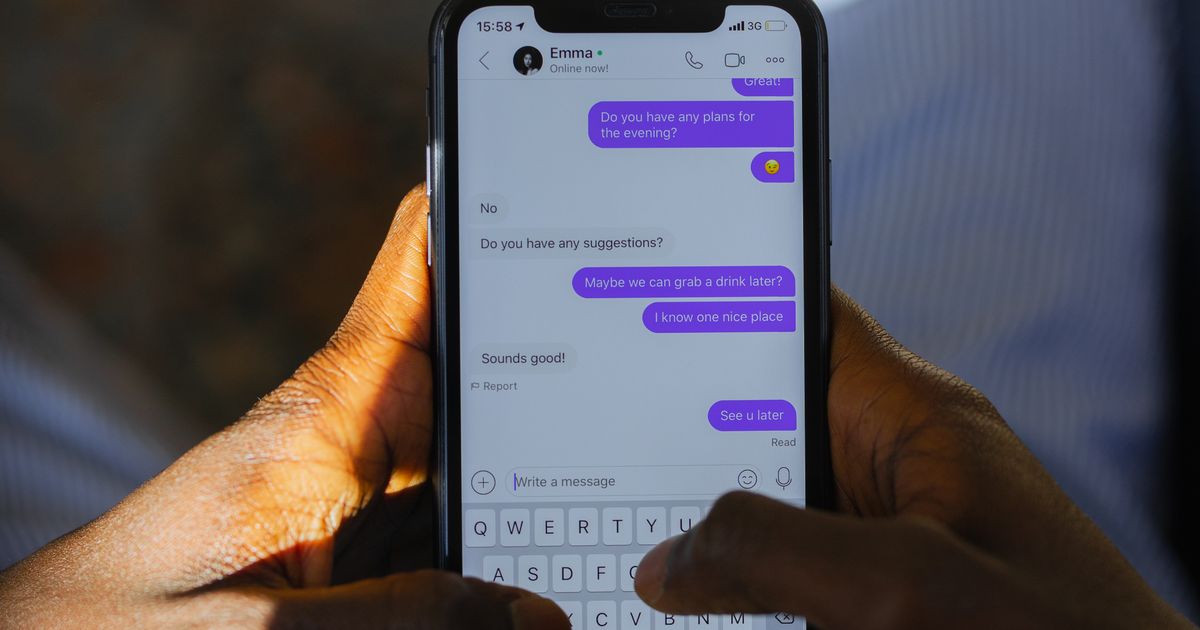
The WhatsApp marketing playbook only works if the plumbing underneath is right. Send confirmations and festival offers to a big guest list from your personal number and you'll get flagged and blocked fast. This is the setup guide that sits under the playbook: which WhatsApp you actually need, how to get it running, and what it costs — in plain English, for an independent Indian hotel.
Getting set up, step by step
You don't need to be technical — a good provider does the heavy lifting. Here's the path from nothing to sending your first approved message.
Decide: Business app or API
Fewer than a dozen manual messages a day? The free WhatsApp Business app is enough. Want automatic confirmations and campaigns to a whole guest list? You need the API through a provider. Most growing hotels end up on the API.
Pick a provider (BSP)
The API isn't something you download — you access it through a Business Solution Provider or a platform that bundles it. Choose one that supports Indian hotels, handles template approvals for you, and connects to your booking system.
Verify your business
You'll register your hotel's business details and a dedicated phone number with WhatsApp. This number becomes your official sender — use one guests don't already use for personal chats.
Get your templates approved
Write your core messages — confirmation, pre-arrival, review request, seasonal offer — and submit them for Meta's review. Keep them clear and non-spammy so they pass, and you'll have a ready library to send from.
Collect opt-in and connect it
You can only message guests who opted in — by booking, sharing their number, or messaging you first. Capture that at booking and check-in, and wire it to your system so the right message fires automatically at the right moment.
What it actually costs
There's no single price tag, and anyone who quotes you one flat rupee figure is guessing. Meta charges per message, and splits sends into categories — broadly marketing, utility, and service — that are priced differently. On top of that, your provider adds a platform fee. Because these rates change and vary by provider, the honest answer is to get current pricing from the provider you shortlist, then compare. What stays true: a well-timed WhatsApp campaign that fills rooms at zero OTA commission almost always pays for its messaging cost many times over.
Templates, opt-in, and staying unblocked
Two rules keep your number healthy. First, templates: to message a guest who hasn't chatted with you recently, you use a pre-approved message format. Once a guest replies, a service window opens and you can talk freely for a while without templates. Second, opt-in: only message guests who agreed — by booking, sharing their number, or messaging first — and always offer an easy way out. Respect both and your open rates stay high; ignore them and WhatsApp will throttle or block you. This is the same discipline behind good email marketing, just on a stricter platform.
WhatsApp, connected to your hotel system
- Official WhatsApp Business API, set up for you
- Pre-built templates for every guest moment
- Auto-captures guest numbers & opt-in
- Confirmations & review requests on autopilot
- Festival campaigns to your whole list
- Built for independent Indian hotels
Bottom line
The Business app is where you start; the API is where you scale. Pick a provider that handles verification and template approvals, capture opt-in on every booking, and connect it to the system that already knows your guests. Do that and the whole WhatsApp marketing playbook — confirmations, review nudges, last-minute room fills and festival offers — runs on autopilot, at zero commission.
Keep reading
The full guest-messaging playbook.
Frequently asked questions
Do I need the WhatsApp Business API, or is the free app enough?
If you send a handful of messages a day by hand, the free WhatsApp Business app is fine. The API is for sending confirmations, review requests and campaigns automatically to many guests from your hotel system — that's when you need approved templates and a provider so you don't get flagged.
How much does the WhatsApp Business API cost?
There's no single fixed price — Meta charges per message and splits sends into categories (like marketing, utility and service), and your provider adds its own platform fee on top. Rates change and vary by provider, so check current pricing with the provider you choose rather than relying on an old figure.
What is a template message and why does it need approval?
A template is a pre-written message format (like a booking confirmation or a festival offer) that Meta reviews before you can send it to guests who haven't messaged you recently. Approval keeps spam off WhatsApp. Once a guest replies, you can chat freely for a set service window without templates.
Share this article